
Why Digital Printers Fail in Summer — A Complete Guide to Preventing Nozzle Clogs
- 发布日期:2026-09-17
- 访问量:0 次
As summer temperatures climb, workshops grow hot and dry, and signage and advertising production facilities face a critical challenge: keeping high-precision digital printing equipment running reliably in extreme heat. Industry experts warn that the high temperatures and voltage fluctuations typical of the "Sanfu" period—the hottest stretch of the year—are among the leading causes of nozzle clogs, circuit overheating, and accelerated material waste.
For dealers and end users alike, maintaining optimal environmental conditions is no longer a matter of comfort—it's a prerequisite for protecting equipment investments and ensuring consistent, stable output.
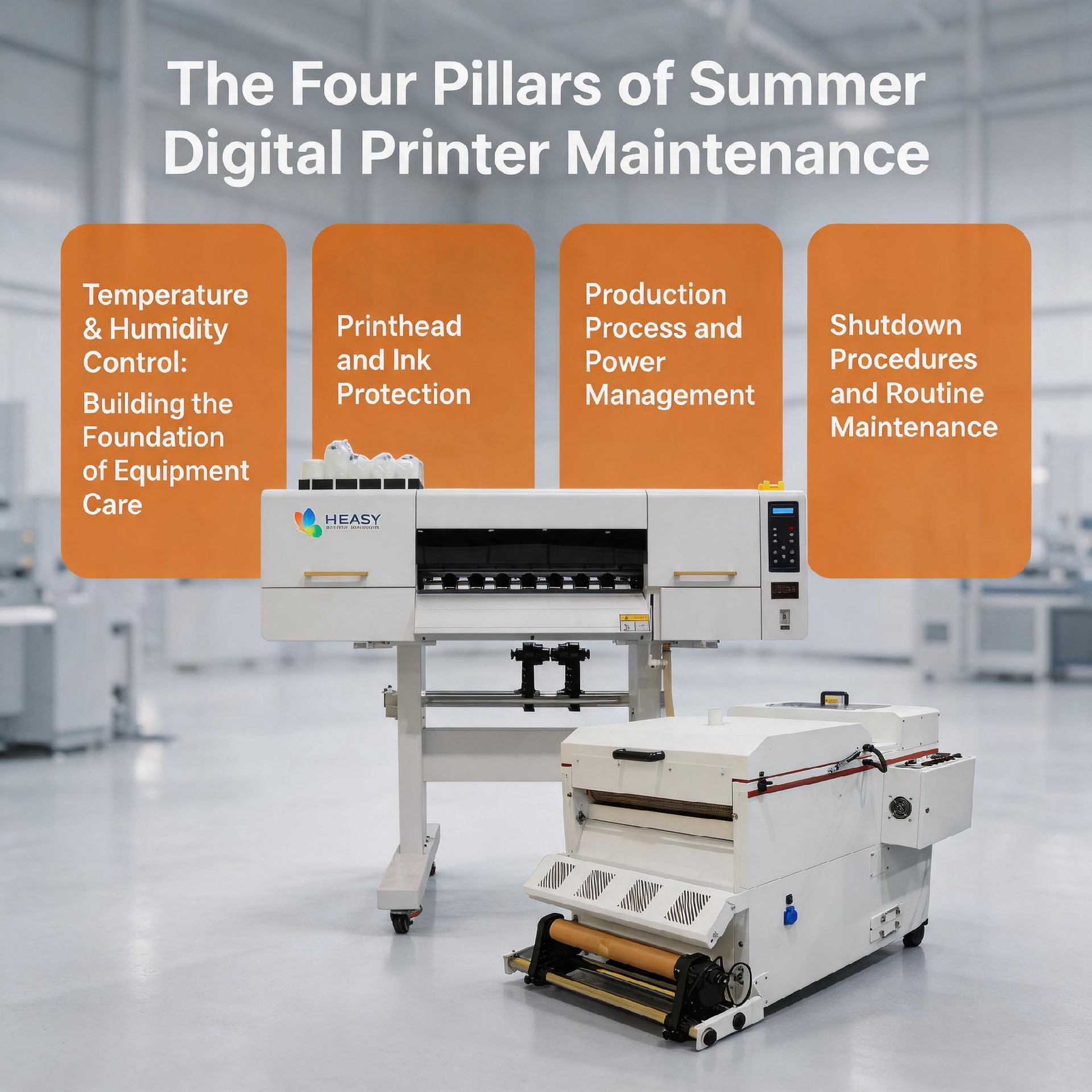
The Four Pillars of Summer Digital Printer Maintenance
To counter the seasonal spike in technical faults, technical experts recommend focusing on four core areas: temperature and humidity control, printhead and ink protection, production process and power management, and shutdown procedures and routine maintenance.
1. Temperature and Humidity Control: The Foundation of Equipment Care
Digital printers are highly sensitive to environmental conditions. The ideal operating environment maintains a temperature between 15°C and 30°C (59°F–86°F) and relative humidity between 35% and 65%.
Cooling: When workshop temperatures exceed 35°C (95°F), operators should run air conditioning or industrial fans for continuous cooling. A 10-to-15-minute cool-down period is recommended after every 4 to 6 hours of continuous high-load operation, to prevent overheating of the motherboard and piezoelectric printheads.
Humidity and Static Control: High humidity slows ink drying and raises the risk of short circuits, while low humidity (below 35%) generates static that can cause nozzle misalignment and ink scatter. Facilities should use humidifiers or dehumidifiers as needed and confirm that all equipment is properly grounded.
2. Printhead and Ink Protection
High temperatures speed up ink evaporation and curing, making nozzle clogs the most common summer malfunction.
Startup Diagnostics: Each day at power-on, operators should run a 3-to-5-minute idle warm-up to let the ink path and printhead reach a stable temperature, then print a nozzle test strip to check for broken channels, missing lines, misdirected spraying, or ink scatter before starting production.
Capping and Sealing: If the equipment will sit idle for more than 8 hours, return the printhead to the capping station and confirm an airtight seal against the moisture pad. Never leave the printhead exposed—heat will quickly dry out the nozzles.
Ink Storage: Store unused ink in a cool, dark place, and use opened bottles within one month. Avoid cleaning with alcohol, as it can corrode piezoelectric components; use only cleaning solutions approved by the manufacturer.
3. Production Process and Power Management
Summer brings peak electricity demand and frequent voltage fluctuations that can damage sensitive electronics, along with less visible risks that build up during production.
Dedicated Circuits: Connect printers to a dedicated outlet fitted with a voltage stabilizer, and avoid sharing circuits with high-draw appliances such as air conditioners to reduce surge risk. Ink buckets and filters should also be inspected regularly to keep impurities out of the printhead.
UV Lamp Control: During printing, residual heat from UV curing lamps combined with ambient temperature can effectively double-bake the printhead, accelerating ink curing and clogging. Operators should position lamps to avoid direct exposure to the printhead area and clean lamp housings regularly to maintain proper heat dissipation.
Ink Circulation: In hot conditions, ink fluidity declines and white ink is especially prone to sedimentation. Keep the automatic ink circulation system enabled to continuously filter ink and prevent pigment buildup in tubes and printheads.
4. Shutdown Procedures and Routine Maintenance
End-of-day shutdown is the single most important habit for protecting printheads in summer. A few consistent steps can prevent most major failures.
Standard Shutdown Procedure: After finishing production, run a light ink purge to clear residual ink, wipe the printhead with manufacturer-approved cleaning solution, return it to the capping station for sealed moisture protection, then power down and close workshop doors and windows to keep out dust and heat.
Delayed Covering: Wait about 30 minutes after shutdown before placing dust covers on the unit—trapping residual heat underneath accelerates wear on belts and electronic components.
Extended Downtime: If the equipment will be idle for more than 2 days, fill the printhead with cleaning solution for sealed storage and check its moisture level periodically. Never let the printhead sit exposed to hot, dry air, as this can cause permanent nozzle clogging and printhead damage.
Industry Outlook
"The condition of your equipment reflects the care you give it," notes a veteran technical engineer. "Skipping maintenance in summer leads directly to downtime. By respecting these environmental thresholds and operational standards, workshops can maintain stable output through the busiest season of the year while significantly cutting repair costs."